
The customer who wants to trade in their car
They offer their vehicle for trade-in from your site. Their request reaches you as a prospect: it is up to you to qualify it and call back with an offer.
Put your vehicles online, receive trade-in and appointment requests, and follow your sales or your repairs depending on your business.
✓ 30-day free trial of the Pro plan, no credit card
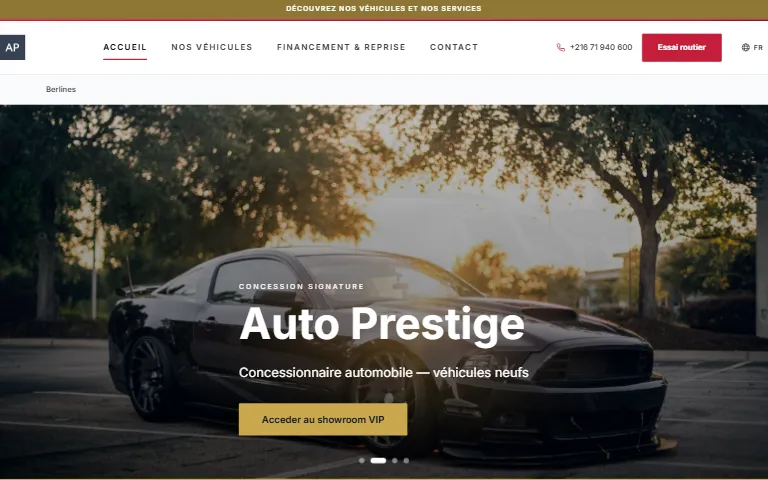
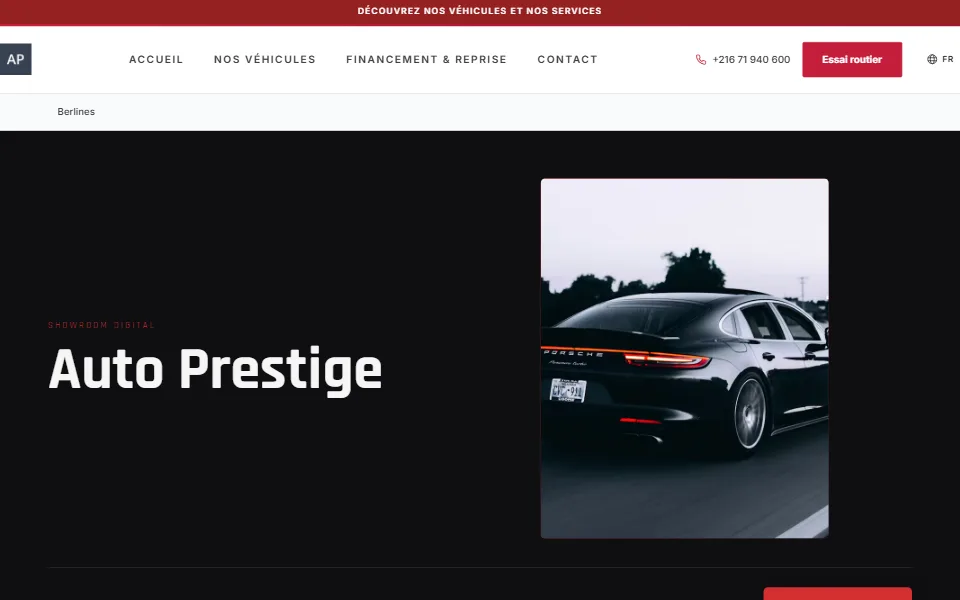
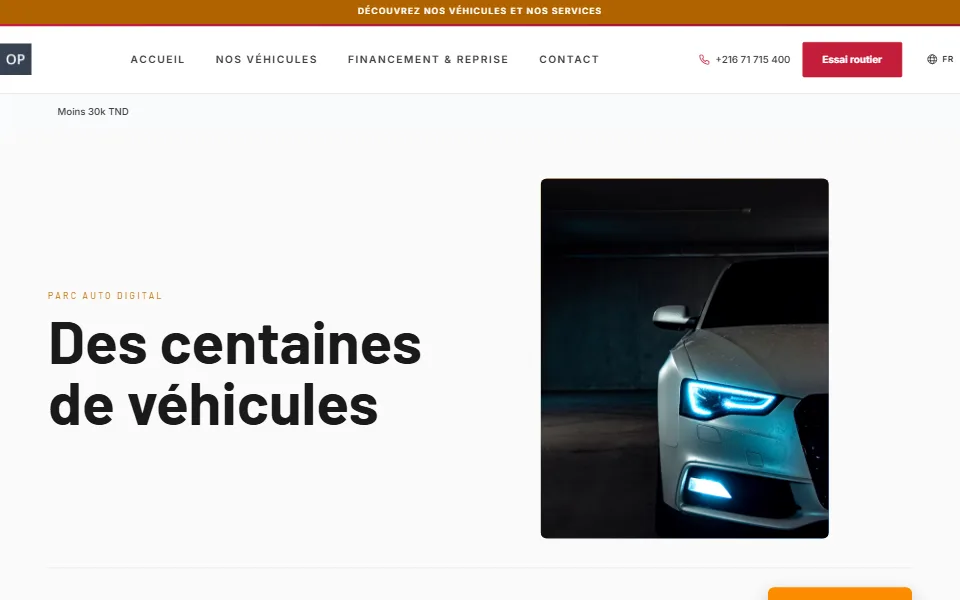
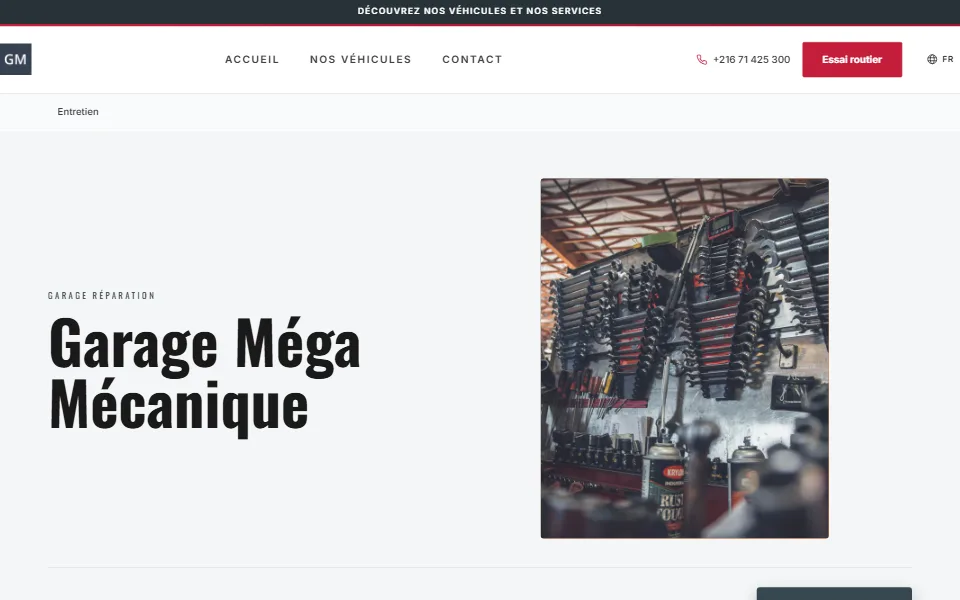
Selling a car or servicing a customer's car takes trust and follow-up. Your site showcases your vehicles, collects trade-in and appointment requests, and reassures through your achievements. Your back office extends the work: the workshop with its repair orders, the showroom with its sales deals. Here again, the tools depend on your specialty, and the page states it each time.
They offer their vehicle for trade-in from your site. Their request reaches you as a prospect: it is up to you to qualify it and call back with an offer.
The sales invoice deducts the trade-in and the deposit already paid, and never goes negative. For a used vehicle, VAT can apply only to the margin.
You set the number of appointments the workshop accepts per day. Beyond that, the site refuses the request, even if two customers try to book the last slot at the same time.
Each tool states the specialty it is intended for when it does not concern the whole business. They come on top of what every site already has: listings, gallery, messages, customer reviews and SEO.
Each sale follows a pipeline, with its number, the vehicle, the customer and its documents. The invoice deducts the trade-in and the deposit, and follow-up reminders flag the deals still pending.
See in featuresTrade-in and contact requests arrive raw on this screen, for you to qualify.
See in featuresAppointment requests arrive in a calendar where you confirm or cancel them.
See in featuresEach vehicle received has its record, searchable by plate. It is created automatically as soon as you enter a plate on a repair order.
See in featuresOne order per vehicle received: work lines, photos, status. The workshop planning helps you spread the workload.
See in featuresEach part fitted on a repair order generates a stock movement. If a part was fitted without being entered, stock can go negative: it is flagged, but the workshop is never blocked.
See in featuresYou send an itemised quote with a link: your customer accepts or refuses it online. The quote also downloads as a PDF.
See in featuresYour notable preparations and jobs, shown with photos, to build confidence before the very first appointment.
See in featuresDealership, used vehicles or garage: each specialty has its own site templates and tools. Here are the ones offered today.
30 days free · no credit card · no commitment
A question? Message us on WhatsApp · +216 23 242 335